

screenpipe #05 | Openclaw integration, ChatGPT sub, Native macOS Text, Gemini 3.1, 60 bug fixes
screenpipe 2.2.20 - Openclaw integration, Use your ChatGPT sub, Native macOS Text, Gemini 3.1, 60 bug fixes
Hey all,
Louis here. Another intense 7 days. Here's what changed.
Please update the app, it might be outdated
Check this quick Openclaw + screenpipe demo:
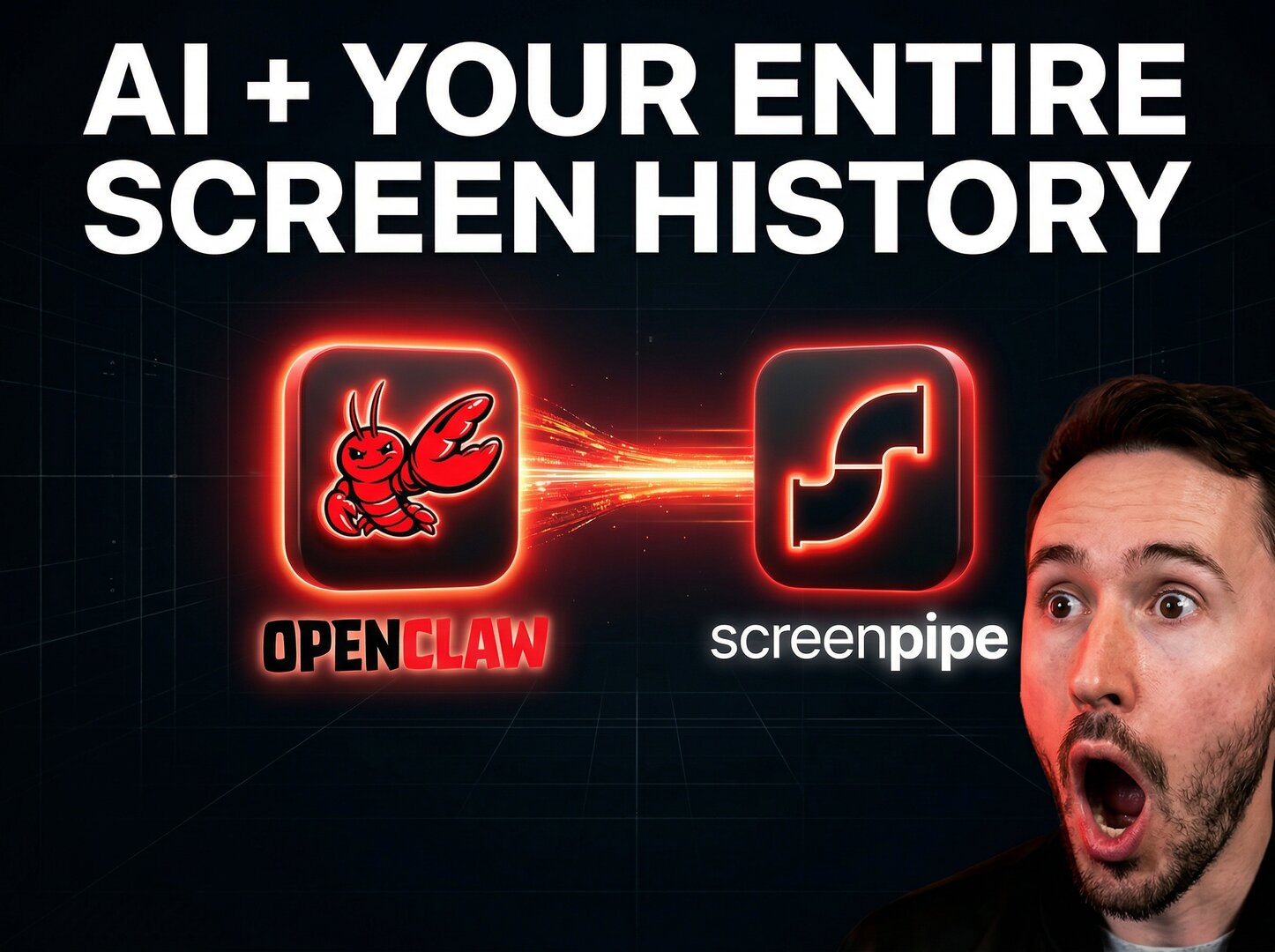
Docs to let Openclaw knows everything you've seen, said, or heard
Check out what's new 👇
🍎 Native Live Text on macOS
On macOS 13+, you can now select, copy, and interact with text directly on your timeline screenshots - exactly like in Rewind, Preview or Safari. Powered by Apple's VisionKit, it works alongside our screen capture pipeline: native text selection where Apple supports it, our own engine everywhere else (Windows, Linux).
Try it: open the timeline, hover any screenshot, select text, or search.
🔋 Battery Saver Mode
screenpipe now detects when you're on battery and auto-adjusts capture to save power, longer battery life without losing important data. Toggle it to "auto" in recording settings.
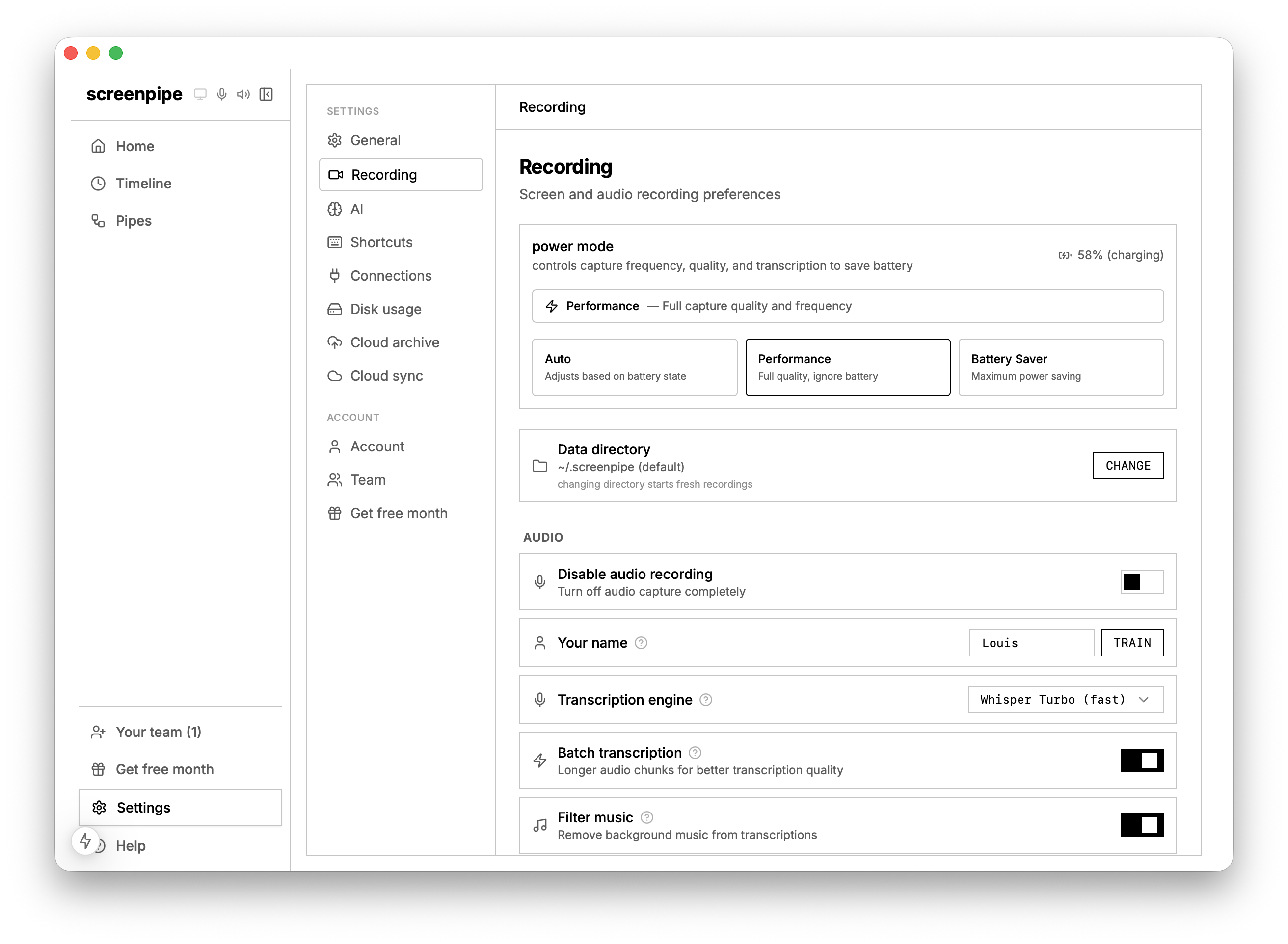
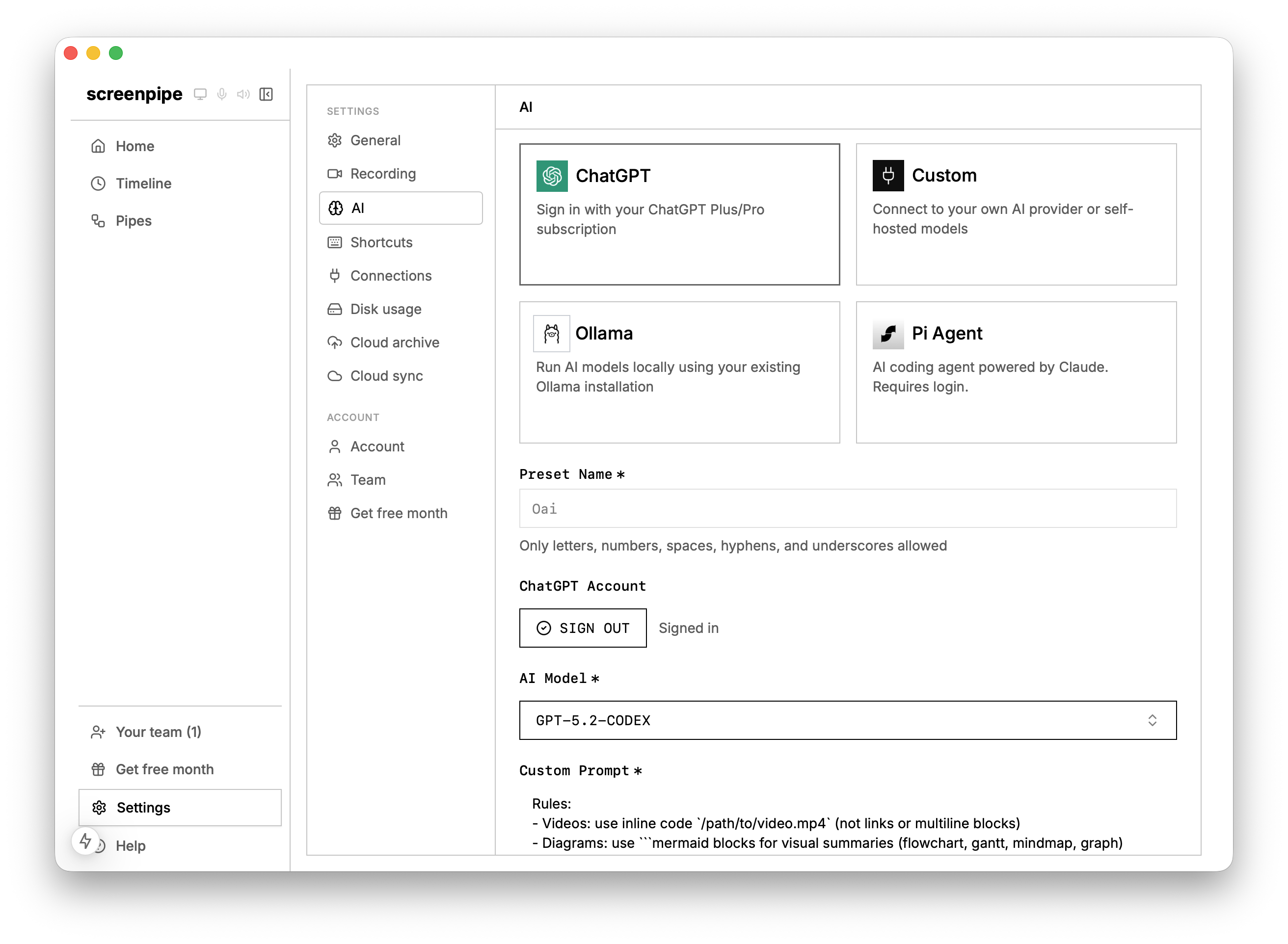
🤖 ChatGPT subscription & Gemini 3.1 support
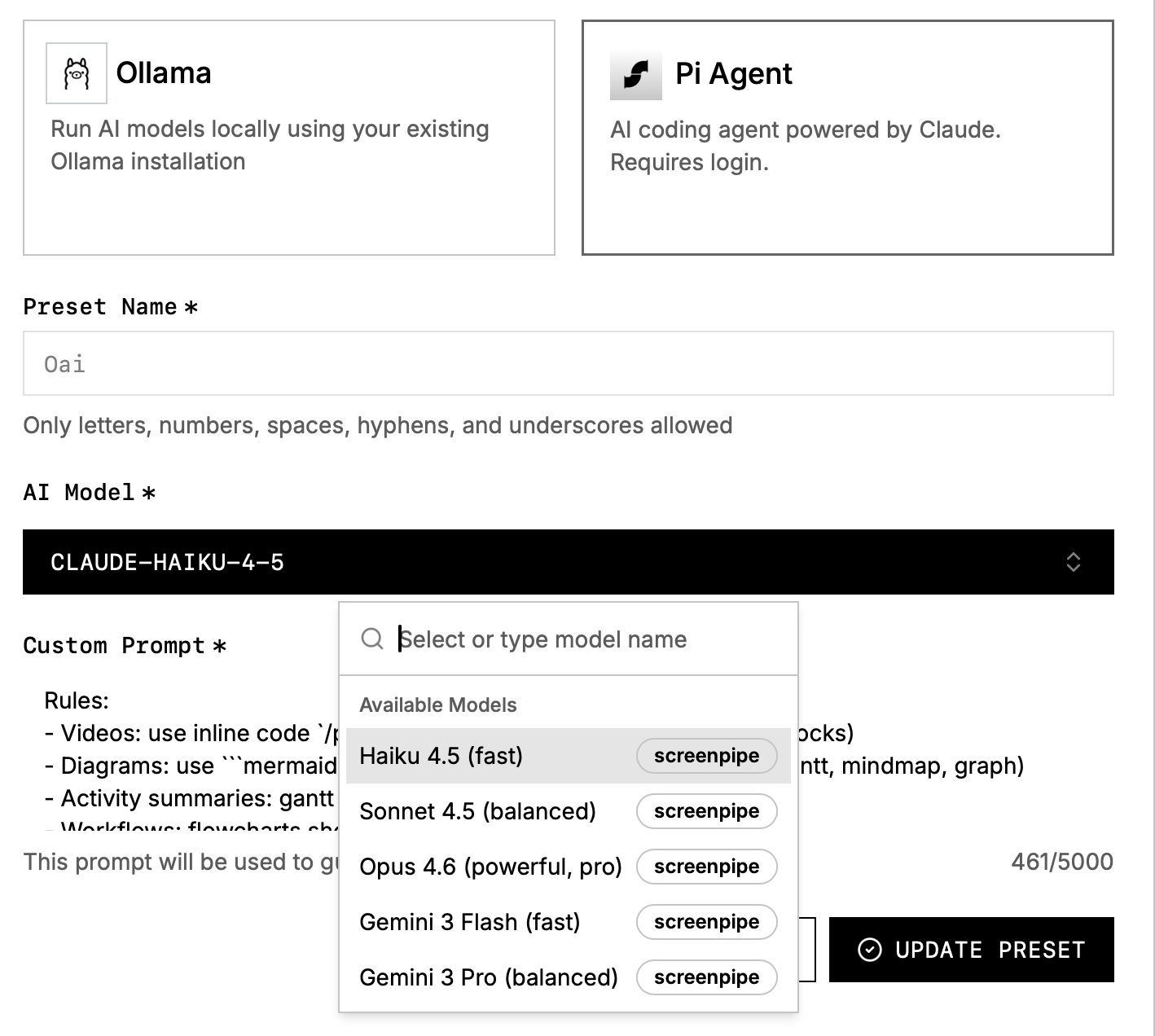
Use your ChatGPT subscription in screenpipe. We also added Gemini 3.1 Flash and Gemini 3.1 Pro to screenpipe cloud (very large context window).
Pro users now get 5x more daily AI queries, and lightweight models cost less quota than expensive ones - so you can run more pipes and chat more.
💬 Smarter Chat
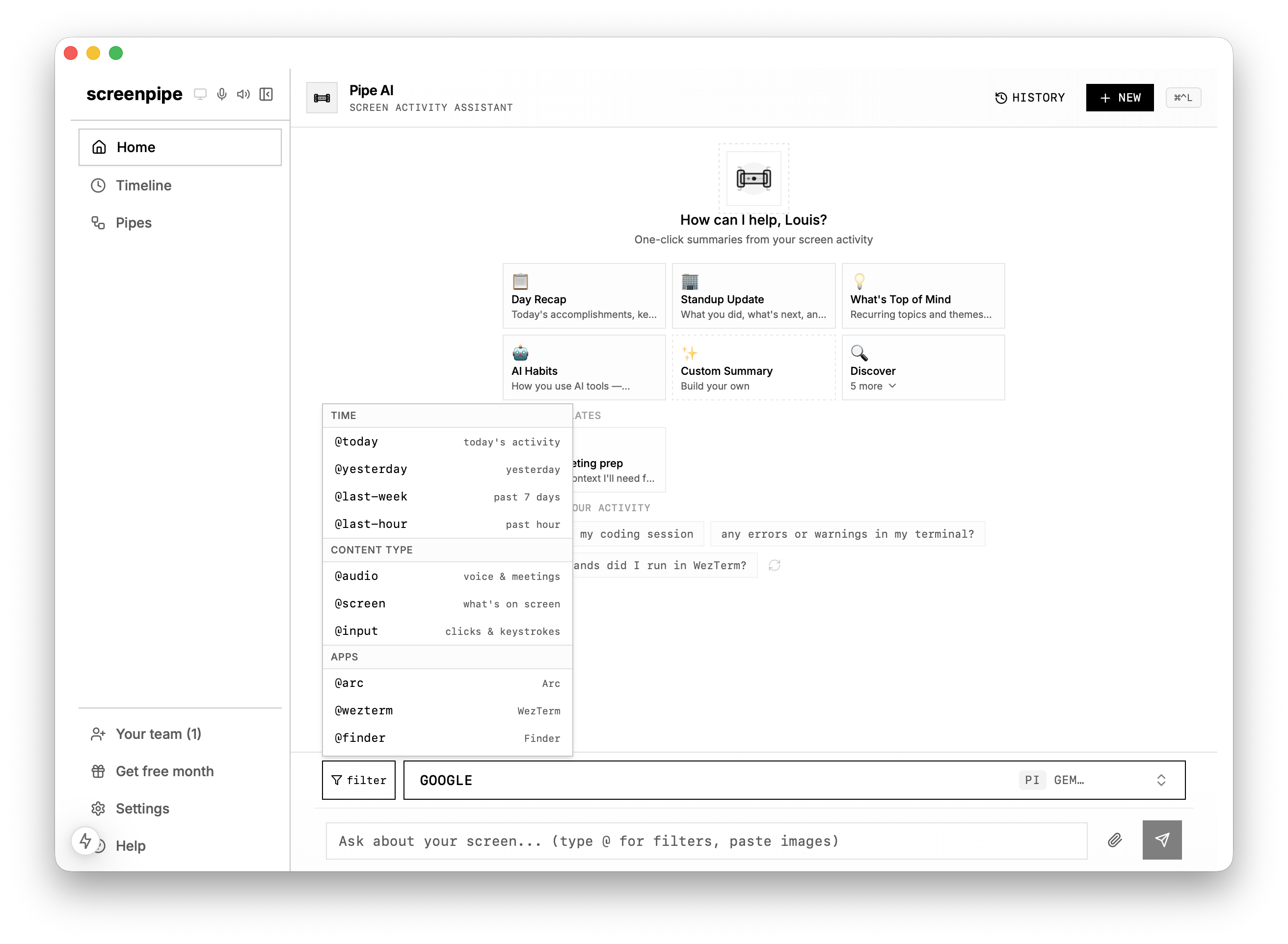
@mention filters now actually work - type @audio to search only voice/meetings, @screen for screen text, @AppName to scope to a specific app, @john for a specific speaker. Every Pi search call respects your filters.
Also new: click images to view full-size, scroll-to-bottom button for long conversations, speaker filter popover, and smarter idle suggestions that refresh based on your activity.
✅ Others
- Transcription engines grouped into Cloud / Offline / Other — easier to pick
- "Transcription dictionary" → Custom vocabulary with friendlier copy
- Bulk vocabulary import - paste a comma or newline-separated list
- Use your own custom transcription API
- App, URL, people, filters in the timeline
⚡ Performance
- Pipes page loads 10x faster
- Pi starts in 2s instead of 15s
- Fixed DB pool exhaustion and server hangs
- Skip capture when screen is locked
- Batch transcription mode now default for new users
🐛 60+ Bug fixes
- Windows: Capturing apps with more details (Discord app for example), improved taskbar visibility, app icons, better audio device coverage
- macOS: Streamlined onboarding permissions
- Linux: accessibility tree capture via AT-SPI2 and evdev
- Stop/start shortcuts fixed
- Text selection no longer blocked by URL overlays
- Pi no longer restarts excessively on preset changes
- Timeline shows batch-transcribed audio in real-time
- OCR bounding boxes normalized on Windows/Linux
- UTF-8 panics fixed across multiple components
🔒 For Pro users
- Encrypted pipe sync - sync pipe configs across devices, end-to-end encrypted
- 5x daily AI quota - raised AI queries
- Encrypted device sync in private beta (share data across your devices)
- Encrypted archive of your data - toggle on and select how many days you want to keep
What's next
- Make pipes easier to use, more reliable and valuable
- SOC 2 compliance
- Windows code signing improvements
- Wisprflow, Plaud, Omi, Openwork integration
- More team features
⭐️ Download screenpipe
⬇️ Update screenpipe
Questions? Reply to this email or join our Discord.
— Louis