

screenpipe #03 | 100x less resource usage, 100% data accuracy
screenpipe 2.0.482 - 100x less resource usage, 100% data accuracy
Hey all.
Louis here, sharing some updates about screenpipe, your AI that knows everything you've seen, said or heard.
We heard your feedbacks and this week was focused on stability, performance, and data quality.
⚠️ Please update the app, it might be outdated ⚠️
🌳 Accessibility-first text extraction - better than OCR
We heard some of you found screenpipe using too much resource and the quality of OCR is not good enough.
Screenpipe now uses accessibility APIs as the primary method for extracting text from your screen — capturing the exact text seen in apps with 100% accuracy, and using 100x less resources than OCR.
OCR is still available as a fallback for apps that use GPU rendering or for images/videos which cannot be captured by accessibility.
This is now the default capture mode in screenpipe.
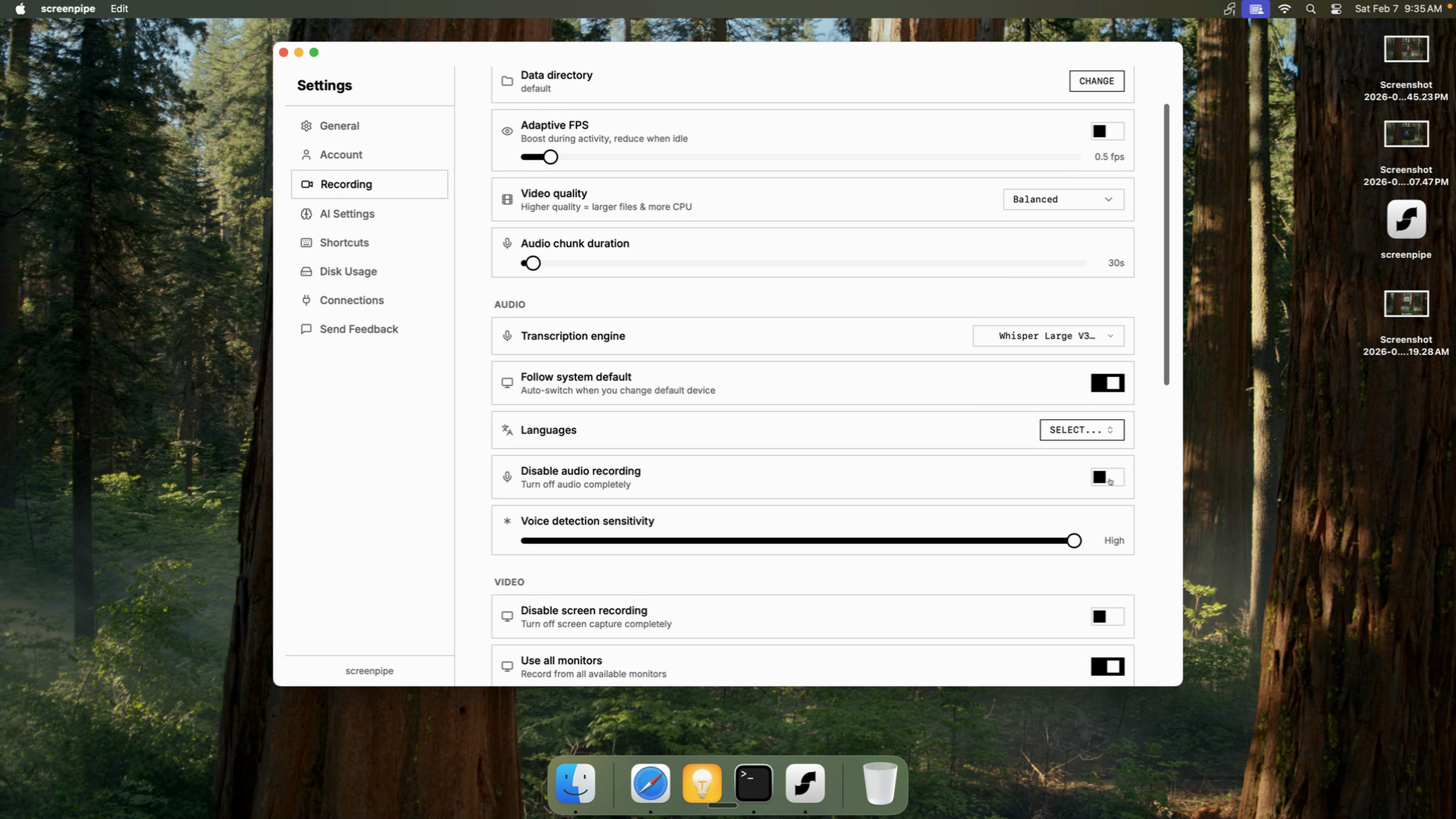
⌨️ Keyboard, clipboard, mouse clicks
screenpipe also captures your key presses, clipboard content and mouse clicks, so AI knows everything you're up to, everything stays on your computer and all PII are removed automatically.
📲 pipe store
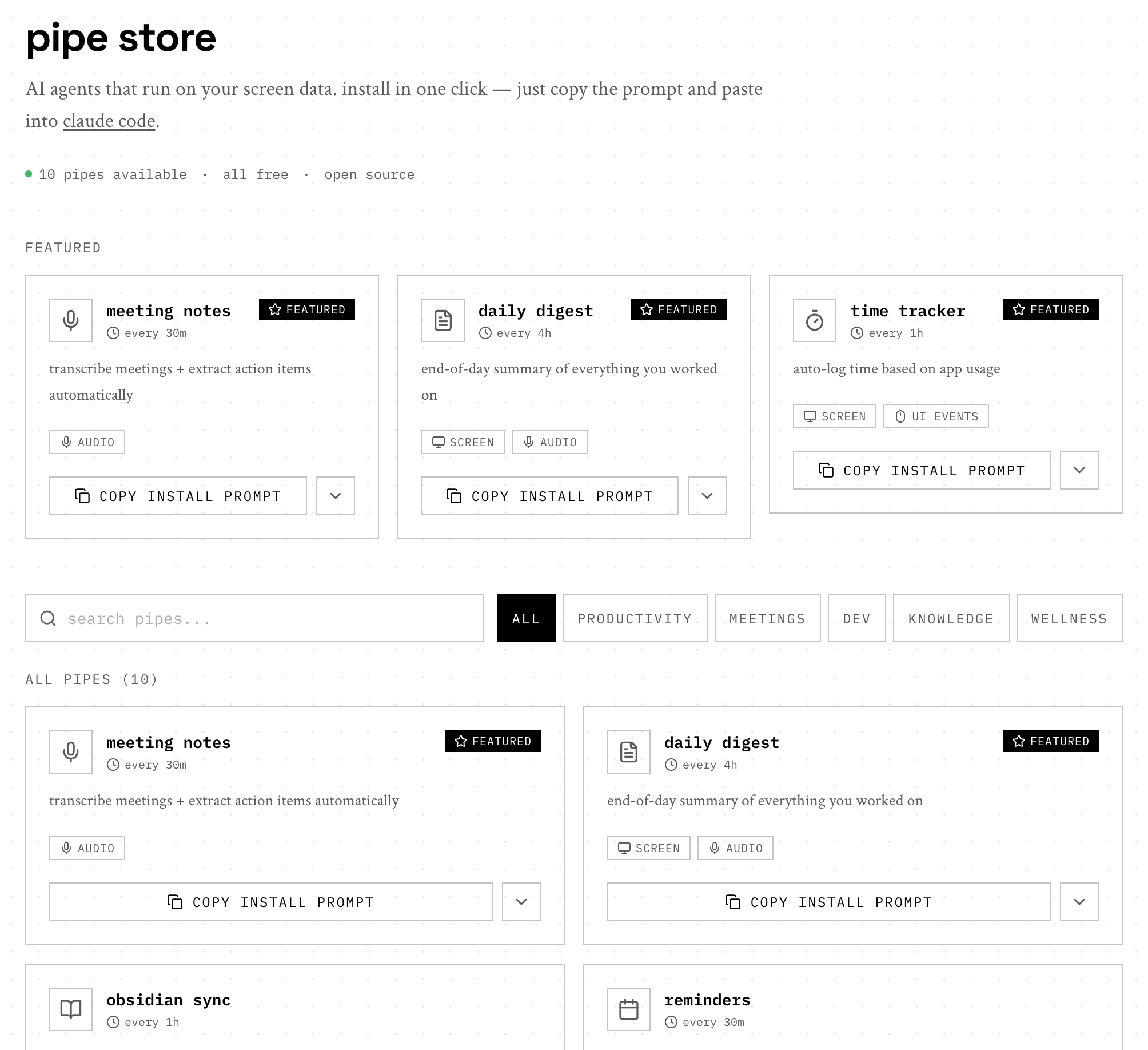
We're bringing back the pipe store!
We believe that AI will not need to be prompted in the future, and should work for you based on what you do.
It's still early, but works already for these use cases:
- Writing summaries of your days, capturing action items, in Obsidian or any note taking app
- Tracking time automatically
- Summarizing meetings
You can create a pipe, even if you are not technical, just describe it and pipe AI will build it for you:
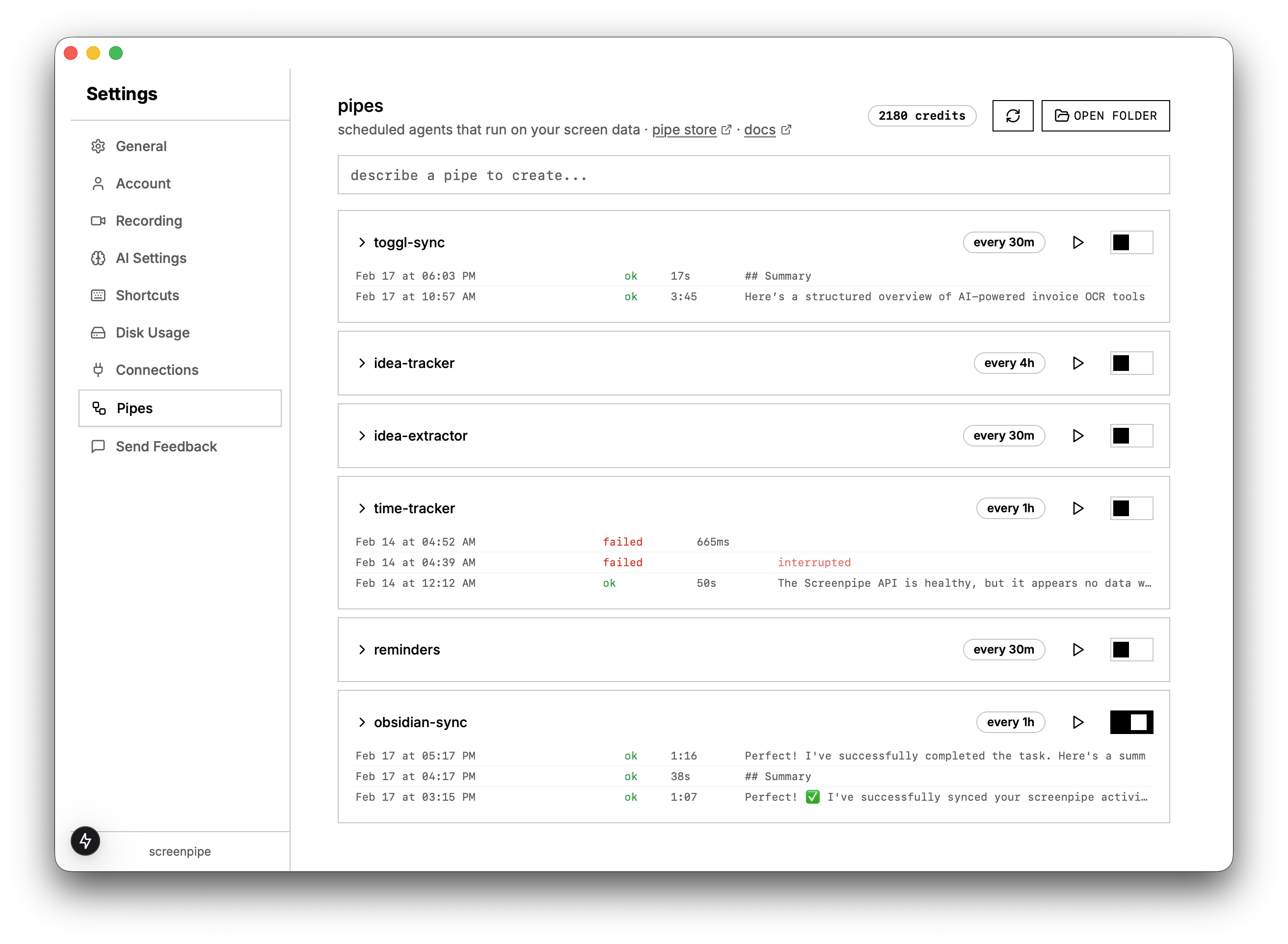
Usually you need to improve the prompt a few times once it's loaded here to make it work really well.
Would love more feedback on those, check the docs
🤖 AI chat 2.0
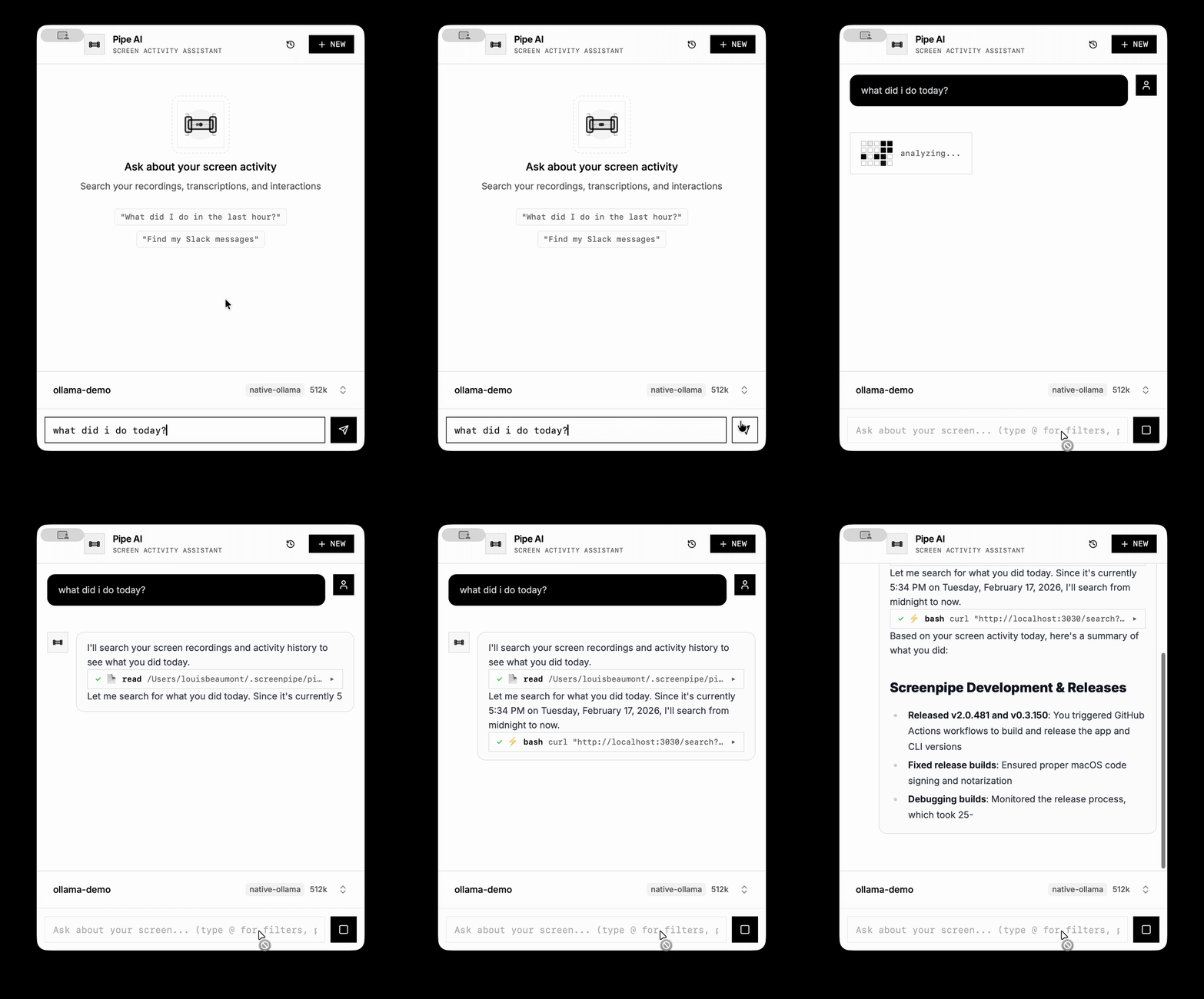
Our AI chat is now 1000x smarter. Under the hood we use an agent called "Pi" which is 100x smarter than Claude Code and now works regardless which AI preset you choose (screenpipe cloud, ollama, OpenAI, custom API):
🛠️ stability overhaul
we fixed 30+ bugs across macOS and Windows. if screenpipe ever felt flaky for you, please update.
macOS
- no more startup hangs - fixed GPU/Metal context conflicts that froze the app on launch
- no more double-starts - prevented screenpipe from launching twice during auto-start
- database connection leaks fixed - no more gradual performance degradation
Windows
- tray icon crash fixed - use-after-free memory issue resolved
- date time timestamps fixed - screen history entries no longer have invalid timestamps
- GPU crash fixed - removed incompatible acceleration on non-NVIDIA GPUs
cross-platform
- automatic log rotation - logs no longer fill your disk
- plugin launcher fixed - pipes work on systems without node
- orphaned processes cleaned up - no more zombie processes
- deep link callbacks fixed - auth flows no longer break on redirect on safari
- ffmpeg downloads more reliable - better server availability
- smart transcription mode - do you find your computer slow during zoom calls? Try the smart transcription setting or use cloud transcription and it will be much faster
📊 other improvements
- pipe AI / screenpipe chat fixes across windows and macOS, better Claude integration
- keyword search returns more relevant results
- database queries optimized for faster searches
- search and chat accessible from system tray
- timeline display improved for clearer navigation
- meeting end times now include the last audio segment
- UI event detection works consistently across Windows, Mac, and Linux
- onboarding now includes a "read & capture" step for new users
- all lifetime licenses now include 1 month free screenpipe pro
Thanks all for the patience with the bugs, anything and your support. Tell us anything you need and we will work on it.
Louis
open source · mac, windows, linux · screenpi.pe