

Official media resources
screenpipe press kit
Brand assets, screenshots, approved descriptions, and company links for covering the local-first AI context layer.

screenpipe
AI powered by everything you have seen, said, or heard.
Product
screenpipe
Category
Local-first AI context layer
Platforms
macOS, Windows, Linux
License
MIT open source
Install base
250K+ installs
Community
18.5K+ GitHub stars
Brand assets
A small, clean kit.
Use the current monochrome mark and lowercase product name. The kit below avoids stale logos and keeps press, partner, and directory pages consistent.

Primary lockup
screenpipe
AI powered by everything you've seen, said, or heard.
Identity
Name
screenpipe
Tagline
AI powered by everything you've seen, said, or heard.
Style
Monochrome, technical, product-led
Contact
louis@screenpi.pe
Usage rules
Use the black and white mark as the default brand asset.
Write the product name as screenpipe in lowercase.
Pair the mark with real product screenshots or concise copy.
Do not use old wordmarks, colored alternates, stretched icons, or busy backgrounds.
Screenshots
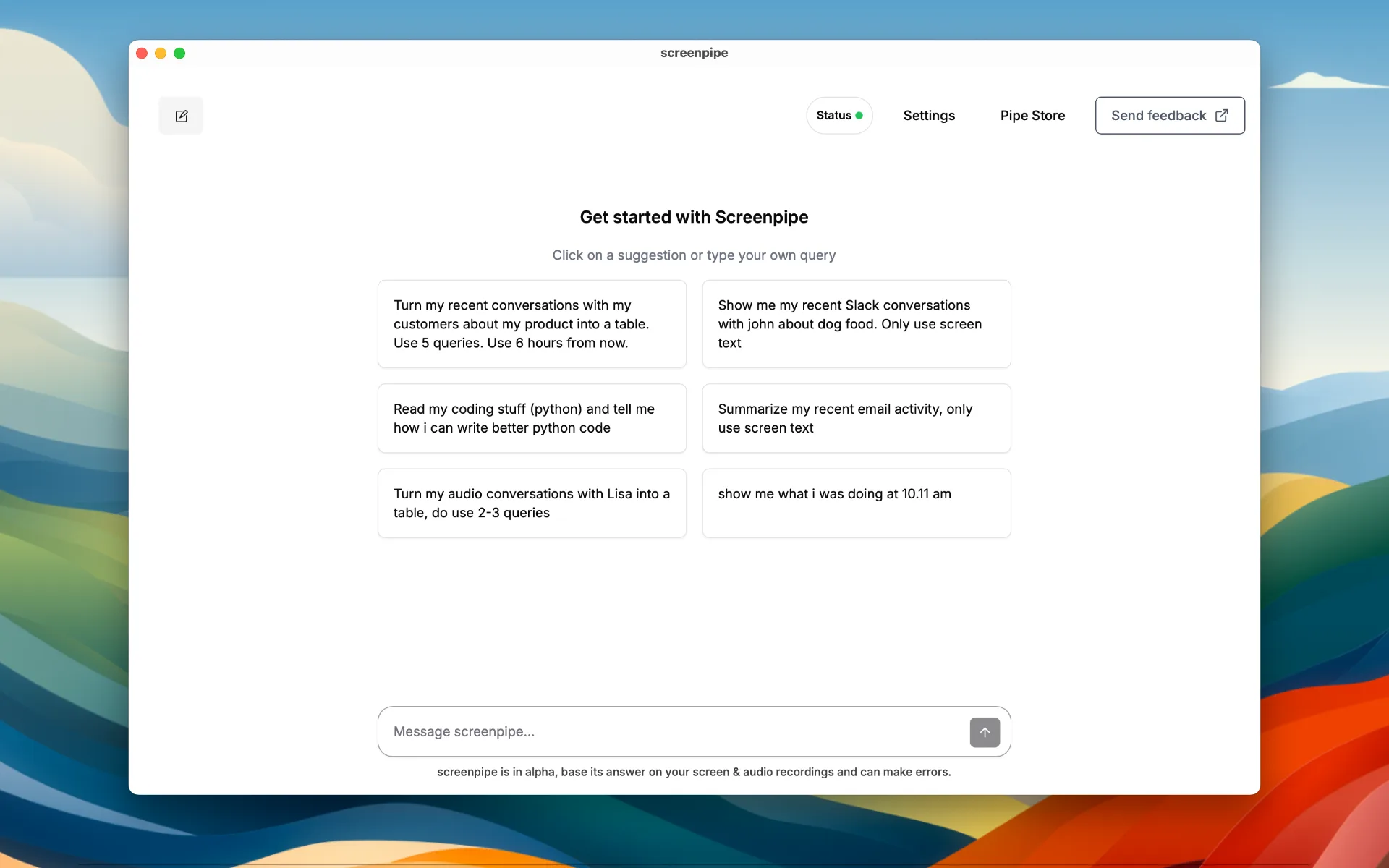
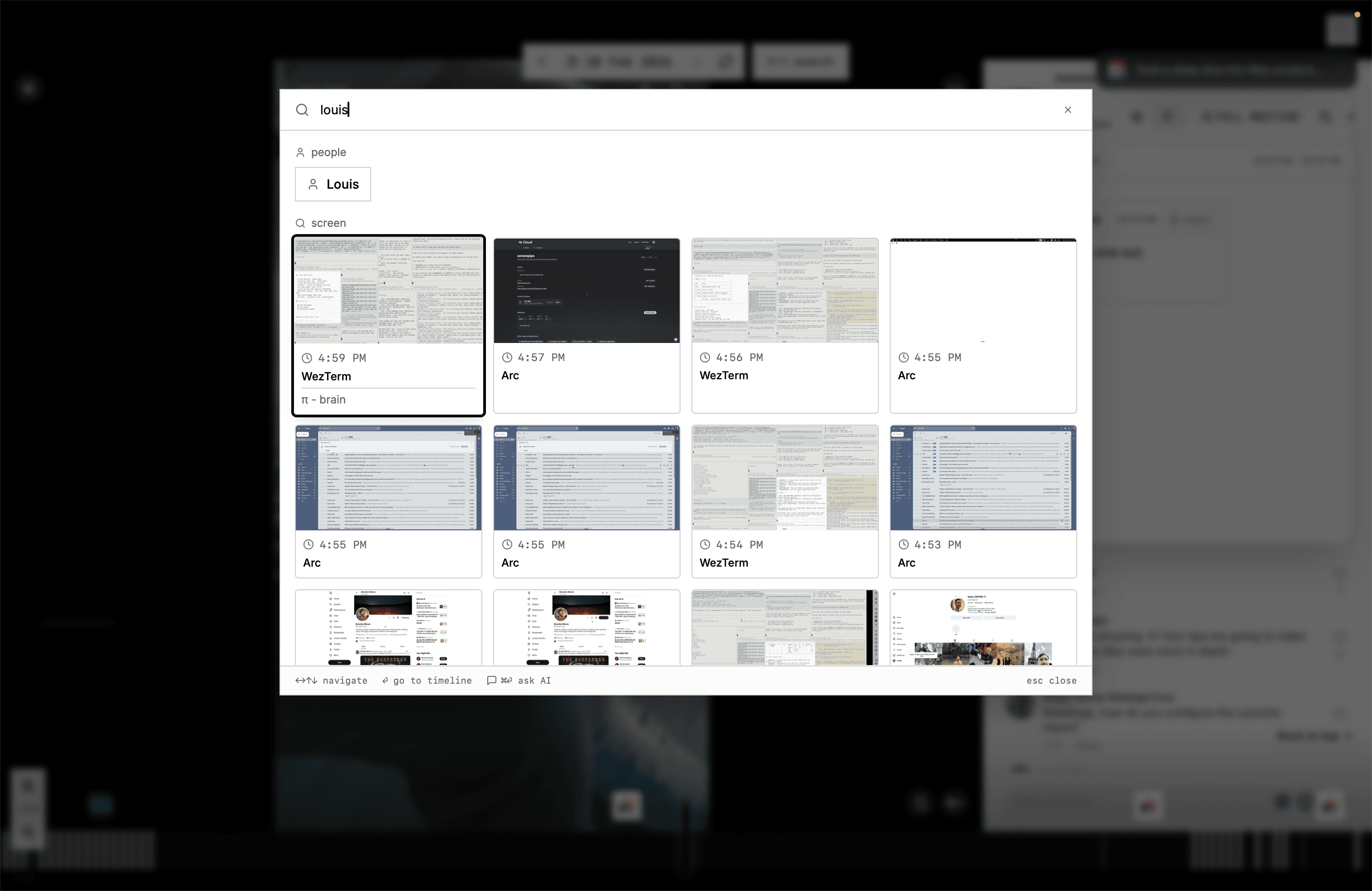
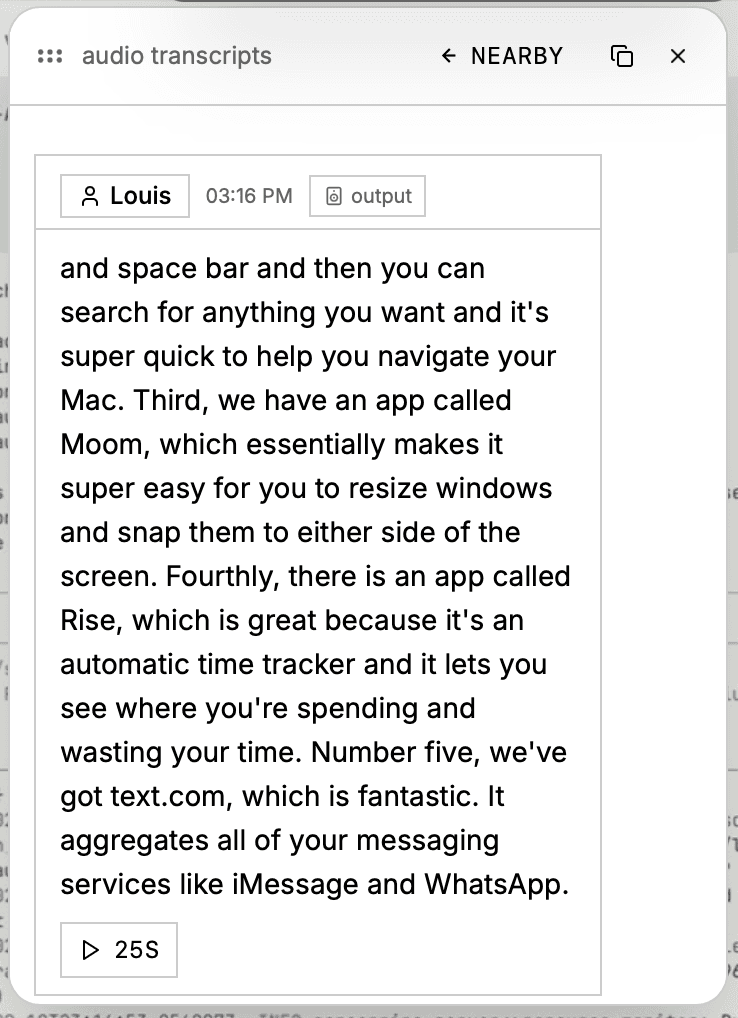
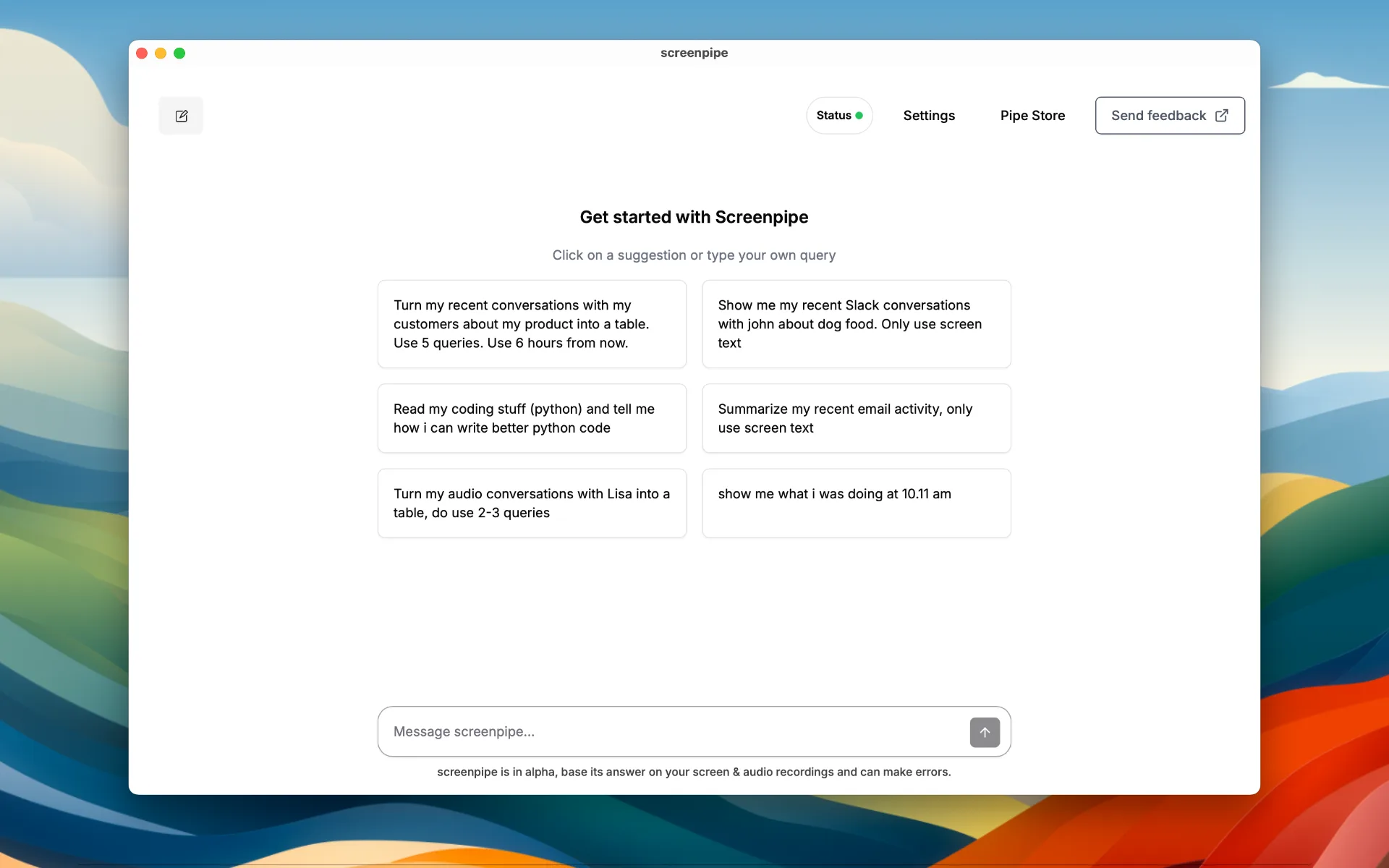
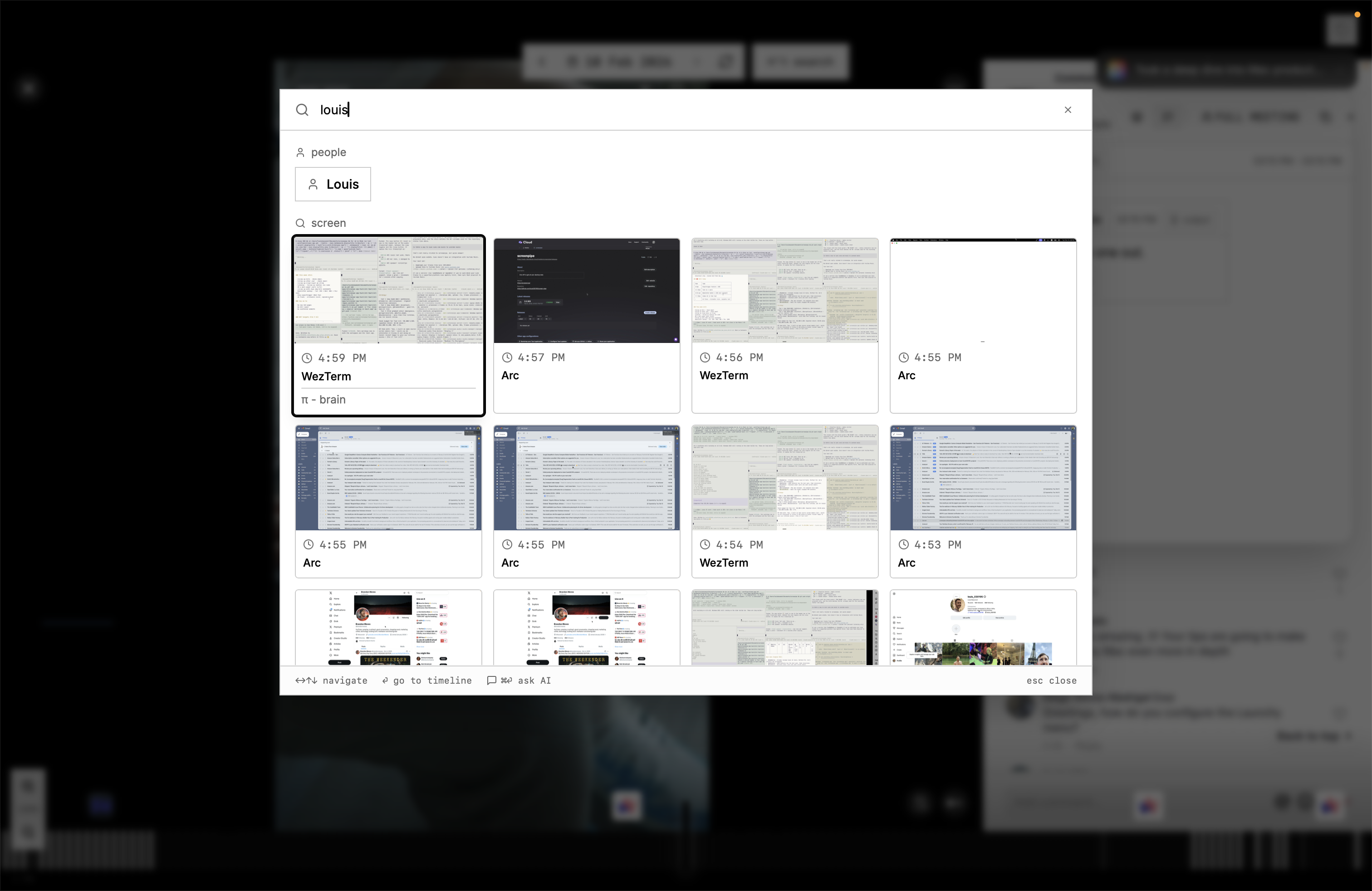
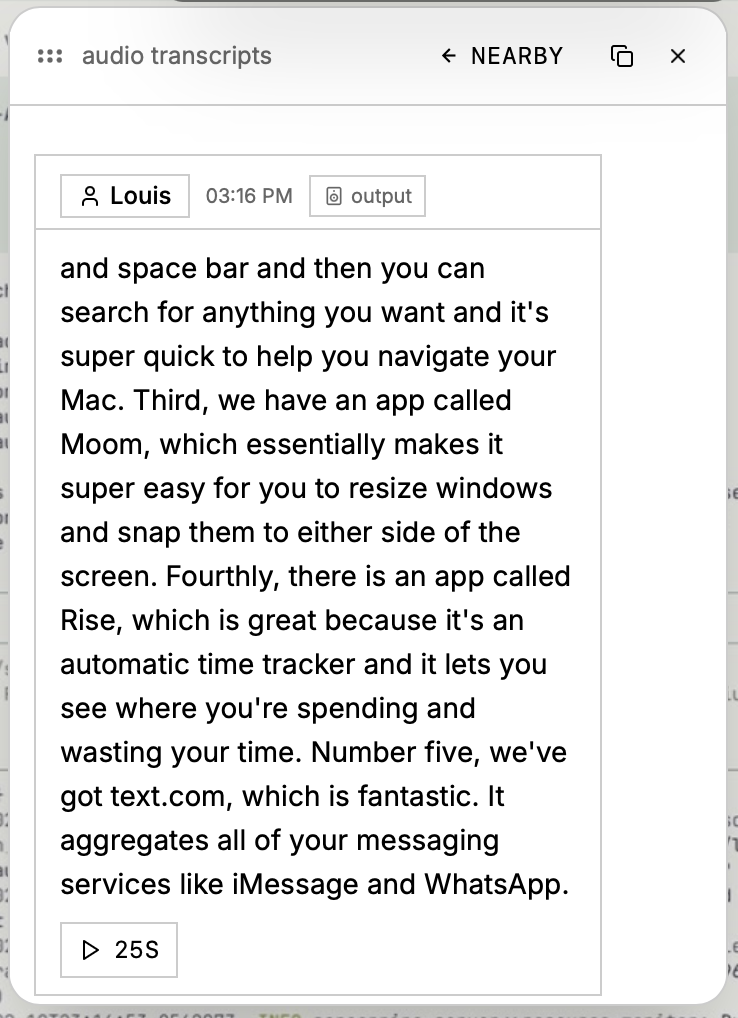
Show the actual product.
These screenshots are ready for launch posts, directories, press articles, and partner pages. Prefer product UI over abstract artwork.


Approved copy
Boilerplate
Short descriptions you can paste into articles, launch pages, investor updates, and partner directories.
One sentence
Short boilerplate
Brand system
Keep it monochrome, direct, and product-led.
The Screenpipe brand is restrained and technical: black and white, strong borders, monospace labels, real product surfaces, and direct language.
Color
Black
#000000
White
#FFFFFF
Soft gray
#F5F5F5
Muted gray
#666666
Typography
Product labels
IBM Plex Mono
Headlines
Space Grotesk
Body
Crimson Text
Usage
Do keep the logo monochrome, place it on calm backgrounds, and preserve generous clear space.
Do show real product screenshots when explaining what screenpipe does.
Do not recolor, stretch, crop, rotate, or place the mark on busy imagery.
Links
Official channels
Use these destinations when citing Screenpipe or sending readers somewhere useful.
Media contact
Need a quote, demo, or fresh screenshot?
Email Louis at louis@screenpi.pe for press requests, founder comments, partnership assets, and launch materials.
louis@screenpi.pe