

screenpipe #04 | clipboard, teams, 10x less CPU, calendar integration
screenpipe 2.0.545 - clipboard, teams, 10x less CPU, calendar integration
Hey all,
Louis here. In the last 10 days we focused on what you asked for: stability, performance, and data quality.
Please update the app, it might be outdated
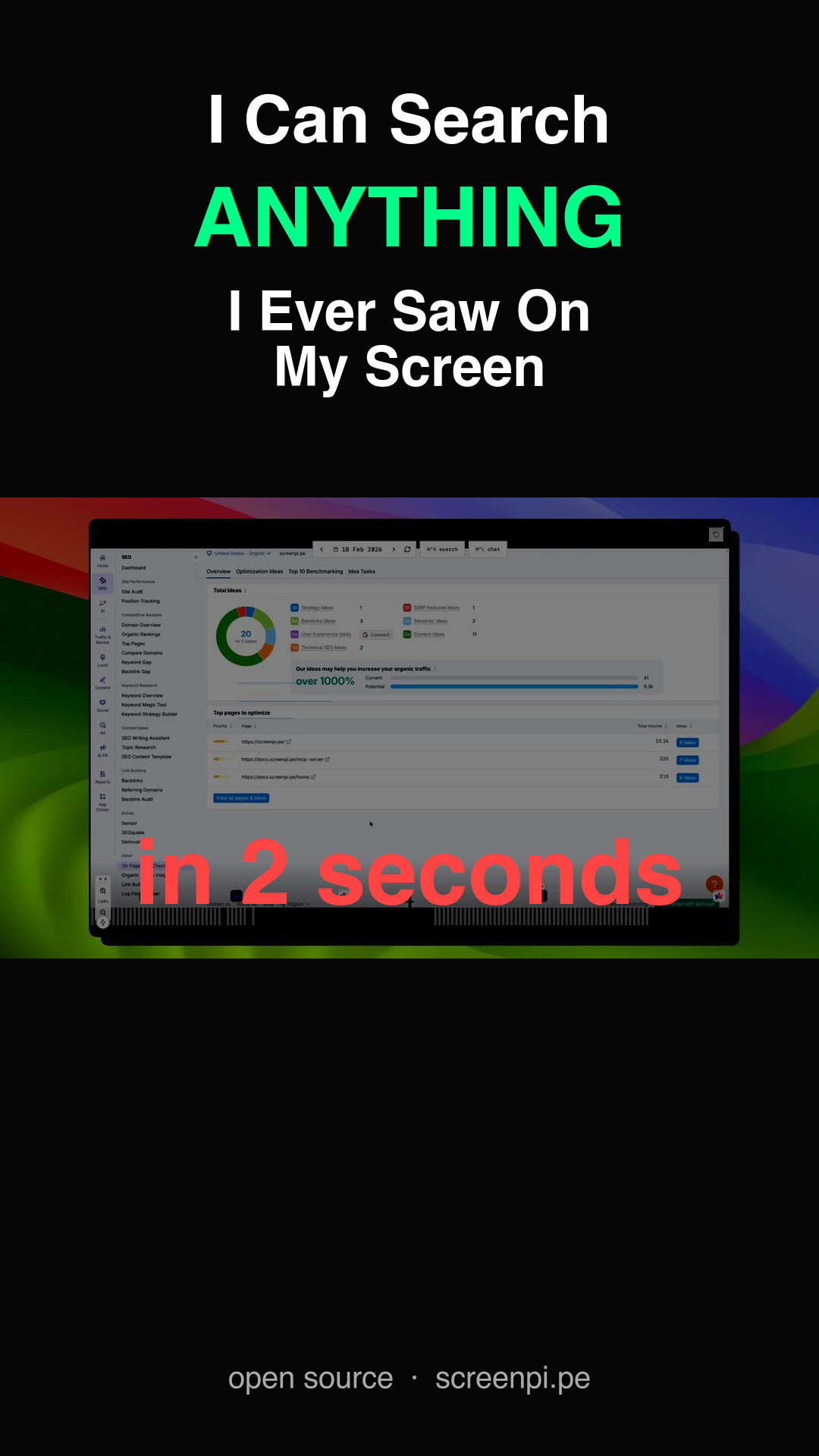
What's new:
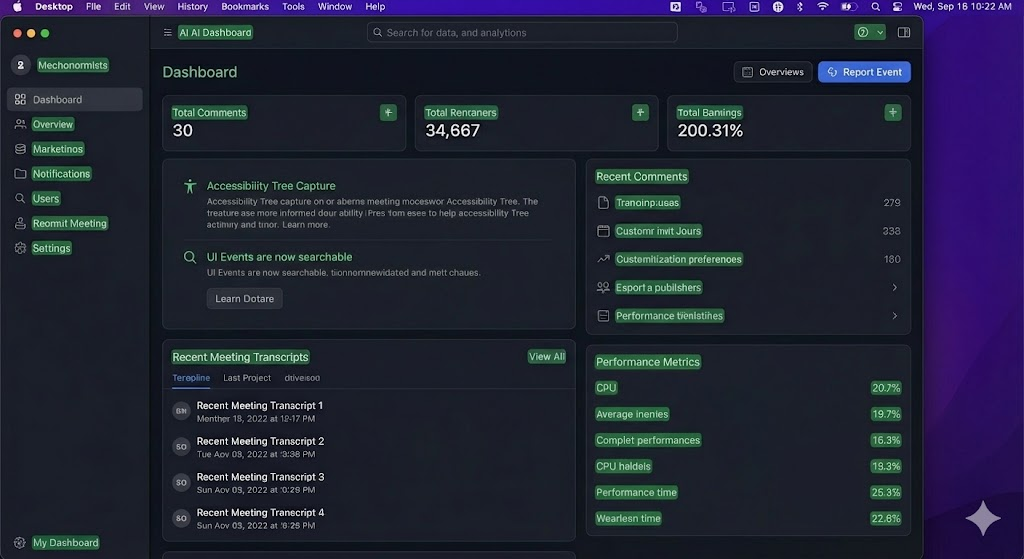
Accessibility Tree Capture
screenpipe used to take screenshots at interval and extract the text using something called OCR. Now we extract the direct element from your computer whenever you do a meaningful action.
It's highly optimized, way faster, way more accurate, and won't affect as much your computer. We still use OCR when apps or windows don't support accessibility so you will have the best of both worlds.
Screenpipe Teams
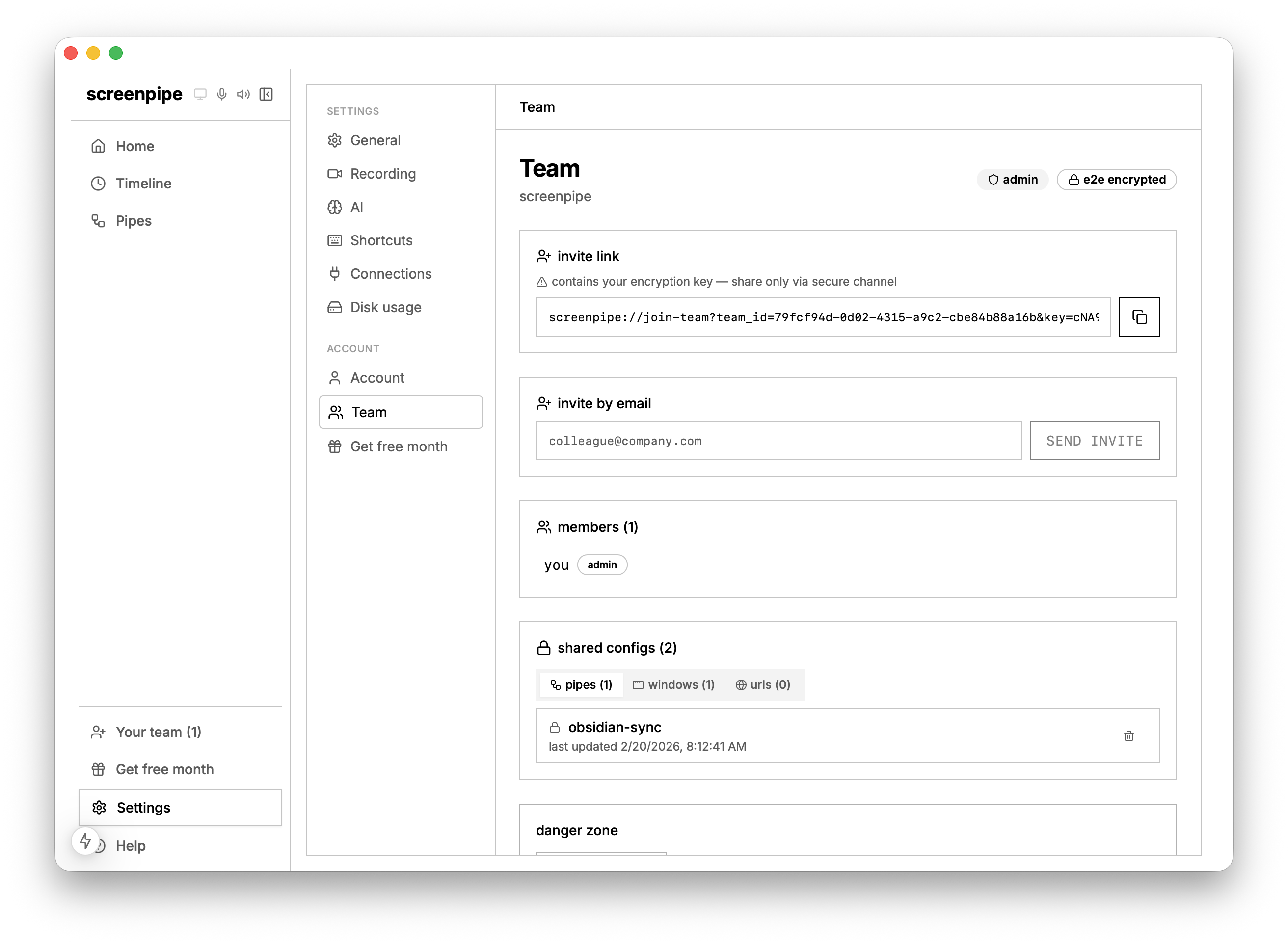
What if AI could know everything about your company, increase outcomes by 1000x, without sacrificing any of the individual privacy?
You can now push AI automations and specific recording filters to your entire company. End-to-end encrypted - our backend never sees your data.
Some example use cases:
- Automatically centralize meeting transcriptions across your team into Notion, Salesforce, etc., it's just a prompt (using pipes)
- Automatically centralize and optimize prompts your team use for content marketing, engineering, etc.
- Automatically update Linear tasks based on the entire team work only in Cursor, Claude, Figma apps
Don't know how to do that? Our team will set this up for you in less than 30 mins
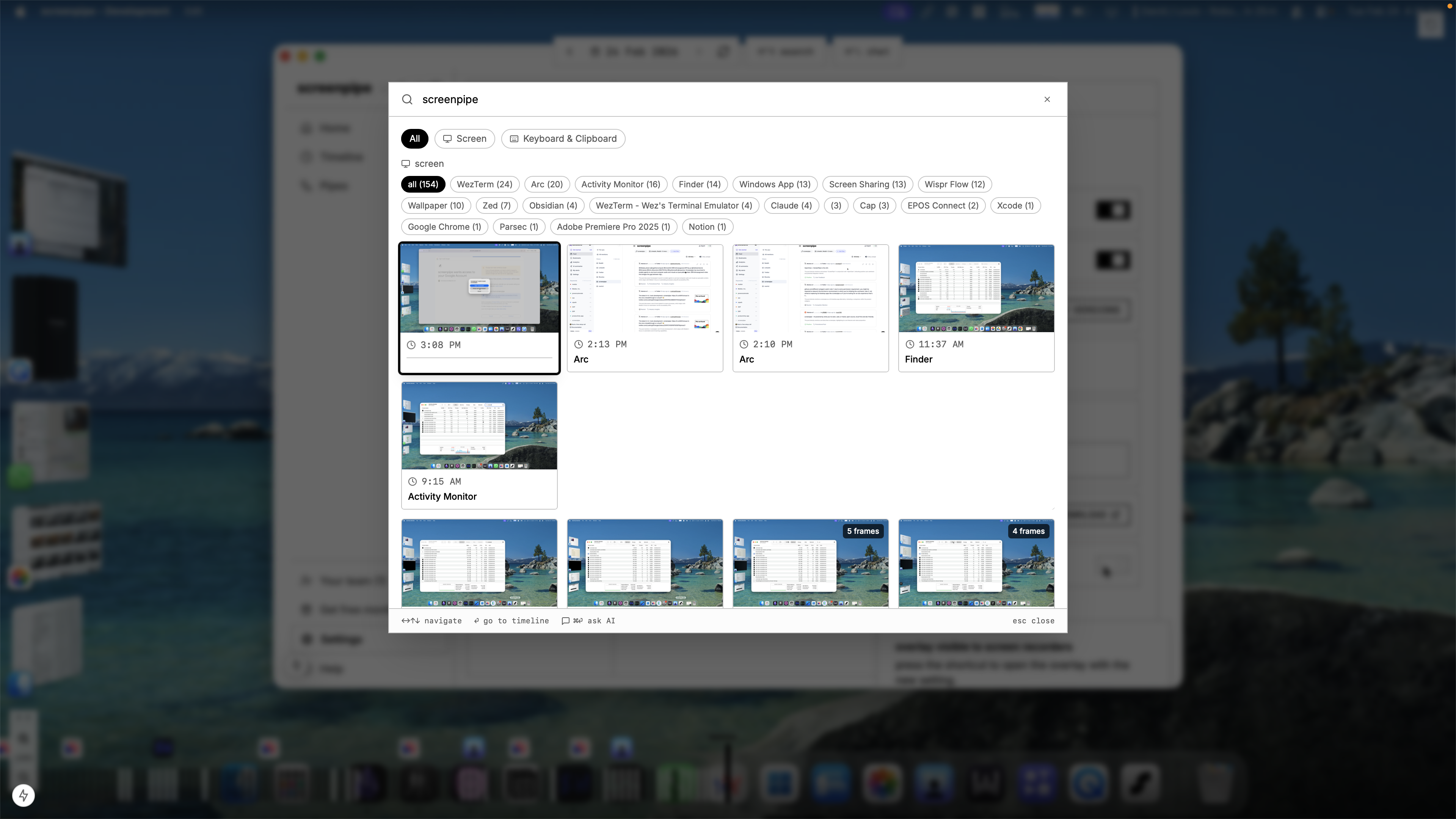
Your keyboard and clipboard is now searchable
Your keystrokes, clicks, and clipboard are now captured and shown in the timeline. Hover over any moment to see exactly what you typed and clicked. Search across all of it.
You can also filter for screen, audio, etc.
Meeting detection & Calendar integration
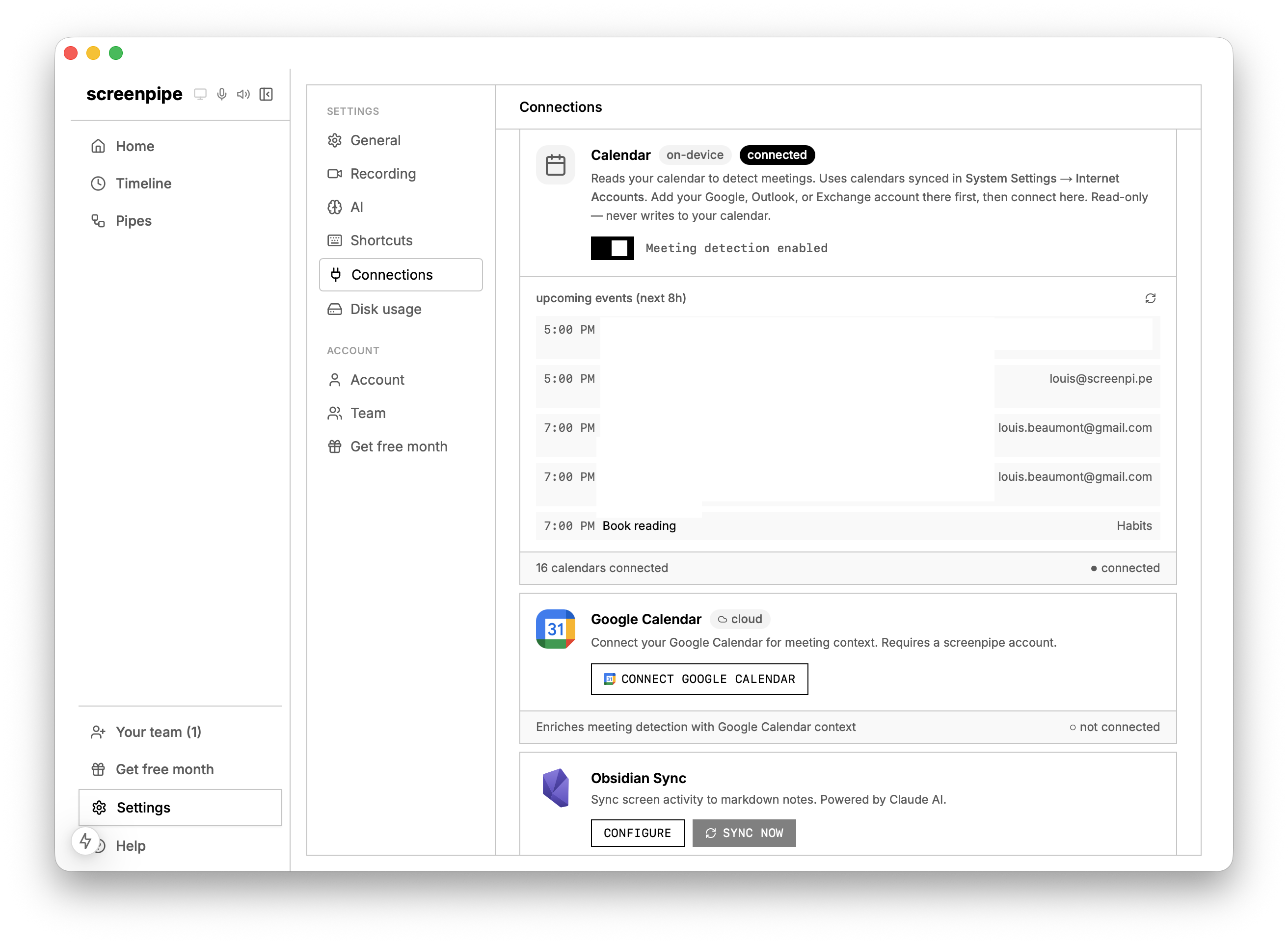
Screenpipe now detects when you're in a meeting (Zoom, Google Meet, etc.) based on calendar integration, screen elements, and audio. Meetings are more structured in the database so AI will have a better understanding of blocks of transcriptions. We also improved the automatic identification of speakers based on calendar, screen, audio.
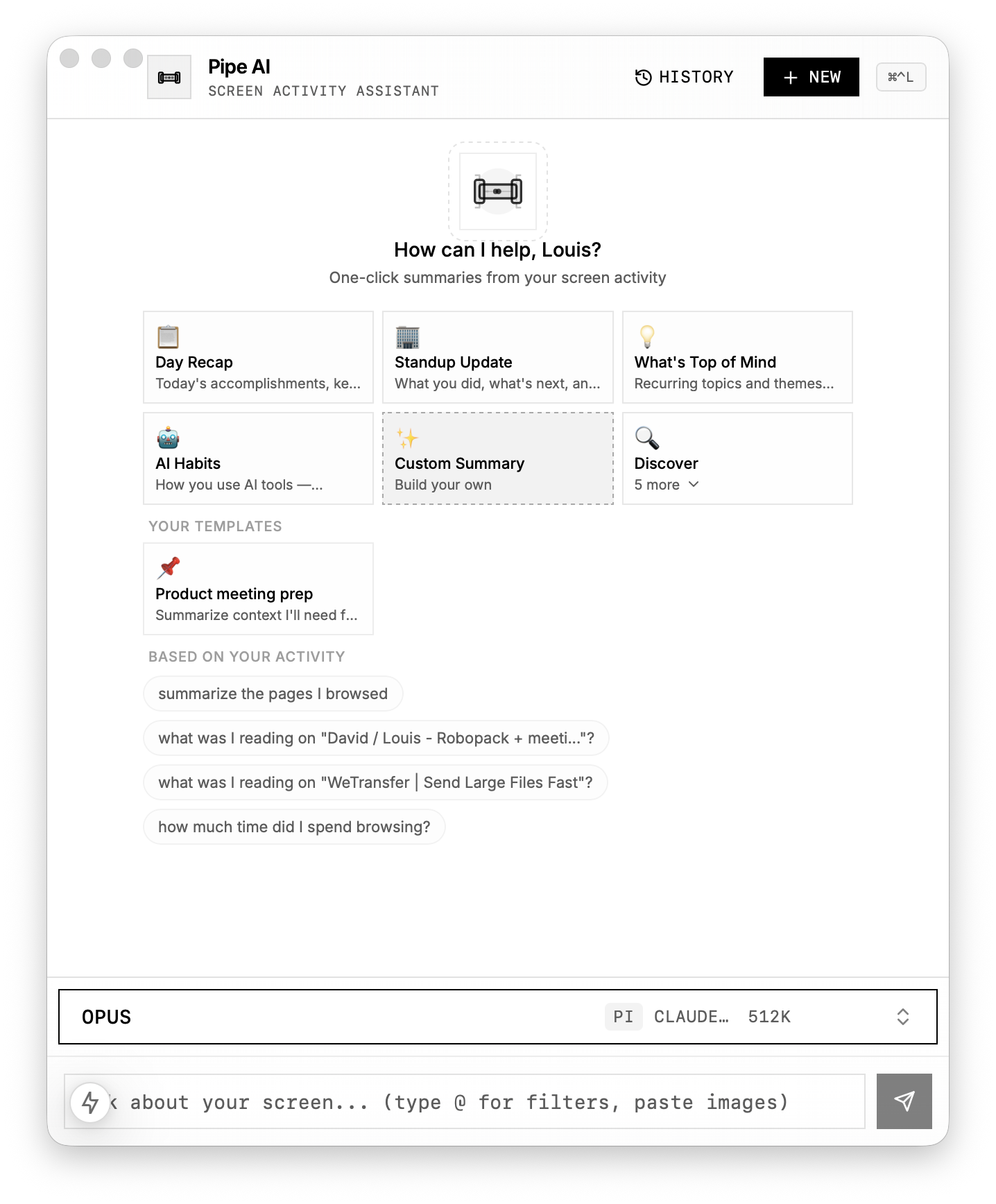
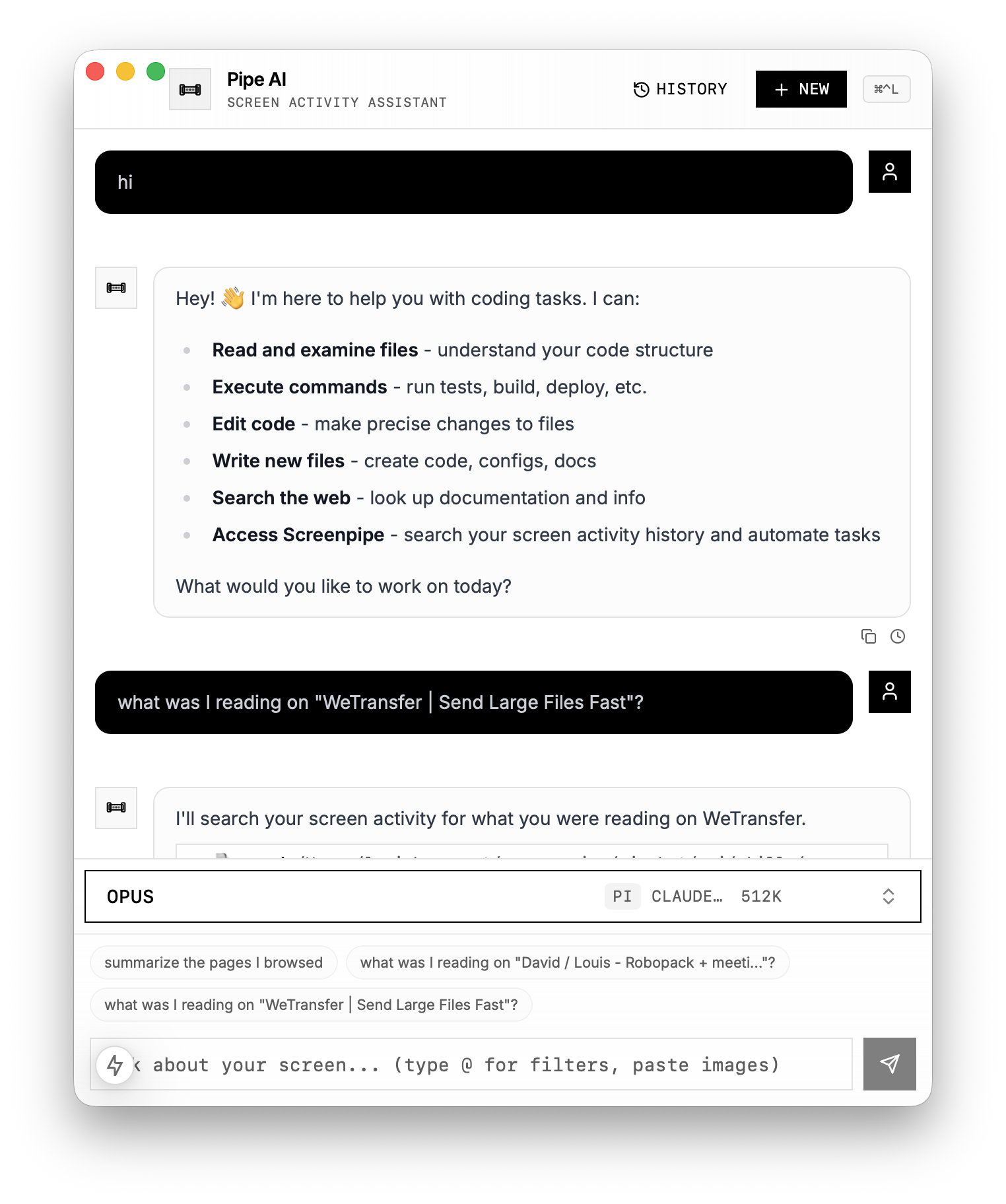
Automatic chat suggestions & follow ups
Sometimes it's hard to know what you want to chat about, so we now generate suggestions and follow ups based on your screenpipe memory, and the chat.
Right now, it only works with Apple Intelligence (turn it on in settings), meaning no data leaves your computer to create this.
Performance & mix
- More content deduplication to reduce CPU
- Size-based log rotation (no more 10GB log files when there is an error)
- Better monitor persistence settings
- Enhanced PII auto-removal
- Filter monitors on the timeline
- Faster timeline navigation
30+ bug fixes including:
- Chat not working on some versions of Windows
- Mac M1 crashes
- Search result not loading
- False positives on URLs on the timeline
- Onboarding permission flow fixed
- Windows taskbar visibility
- Chat width overflow
- Collapsible sidebar (Cmd+B)
- Open reminder button
- Meeting detection false positives eliminated
What's next:
- Everything faster, more intuitive
- Make pipes easier to use, more reliable and valuable
- Encrypted archive of your data
- SOC 2 compliance
- Windows code signing improvements
- More team features
Questions? Reply to this email or join our Discord.
-- Louis
open source · mac, windows, linux · screenpi.pe