

screenpipe #09 | What if AI knew everything about you and your company?
screenpipe 2.3.32 - what if AI knew everything about you and your company?
screenpipe builds a living memory of every conversation, every meeting, every screen - across weeks and months and connects to all the apps you use. Ask it anything about your past and it answers instantly, with context. Or create automations based on what you do.
This is the update that makes screenpipe feel like a second brain that actually works.
Please update the app, it might be outdated
Or download it
🧠 Memories — now front and center
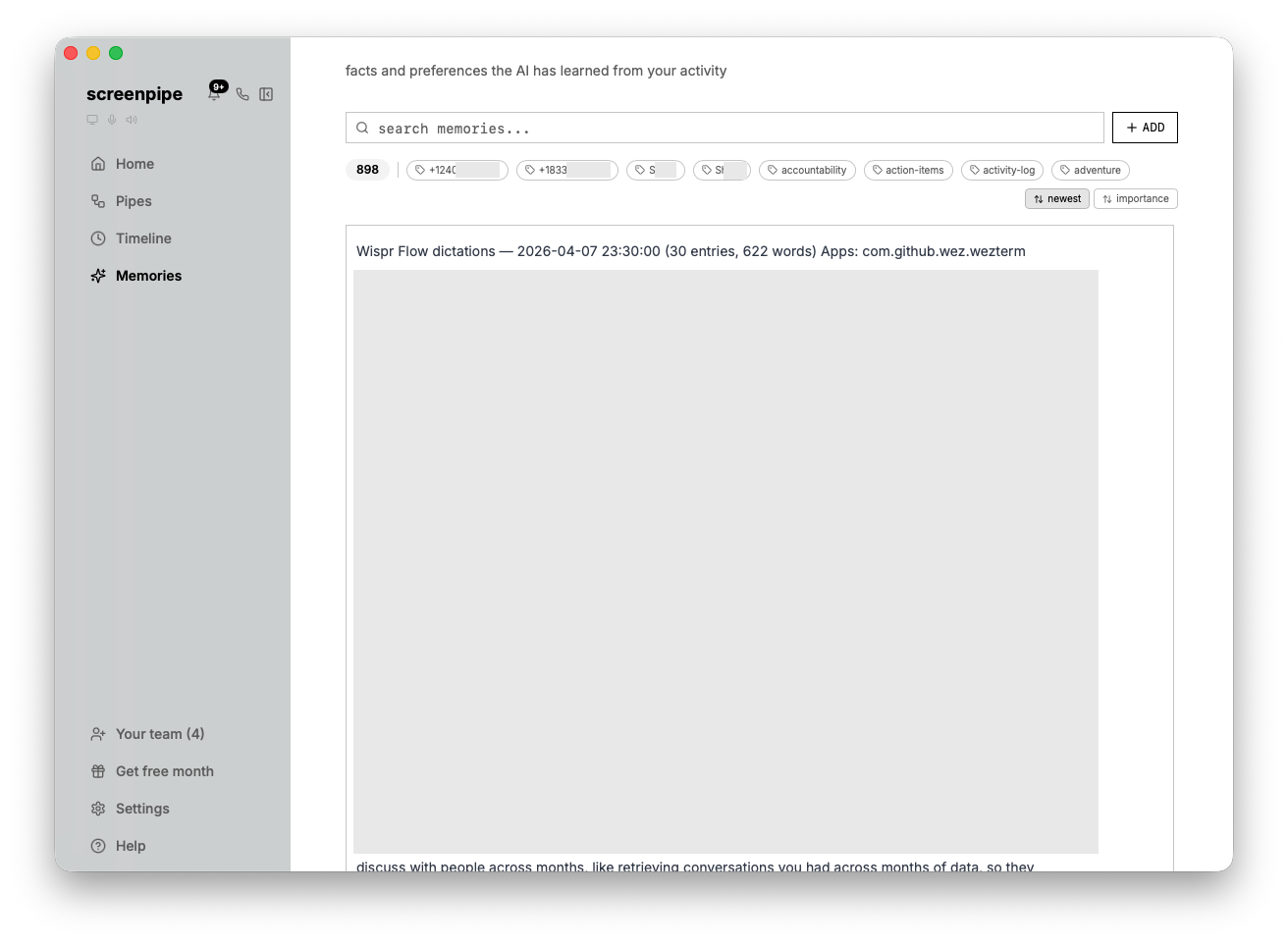
Memories moved from a hidden settings tab to the main sidebar. Create memories manually, edit tags inline, render markdown. Your AI builds a knowledge base about you, the people you meet, and every project you touch - automatically, over time.
The digital memory pipe is one of the most installed pipes on the store. If you haven't tried it: install it, let it run for a few days, then check your memories.
You can leverage this data to run other pipes that work for you based on what you do and that know you perfectly. Just ask "read my memories before acting" for example.
📧 Gmail
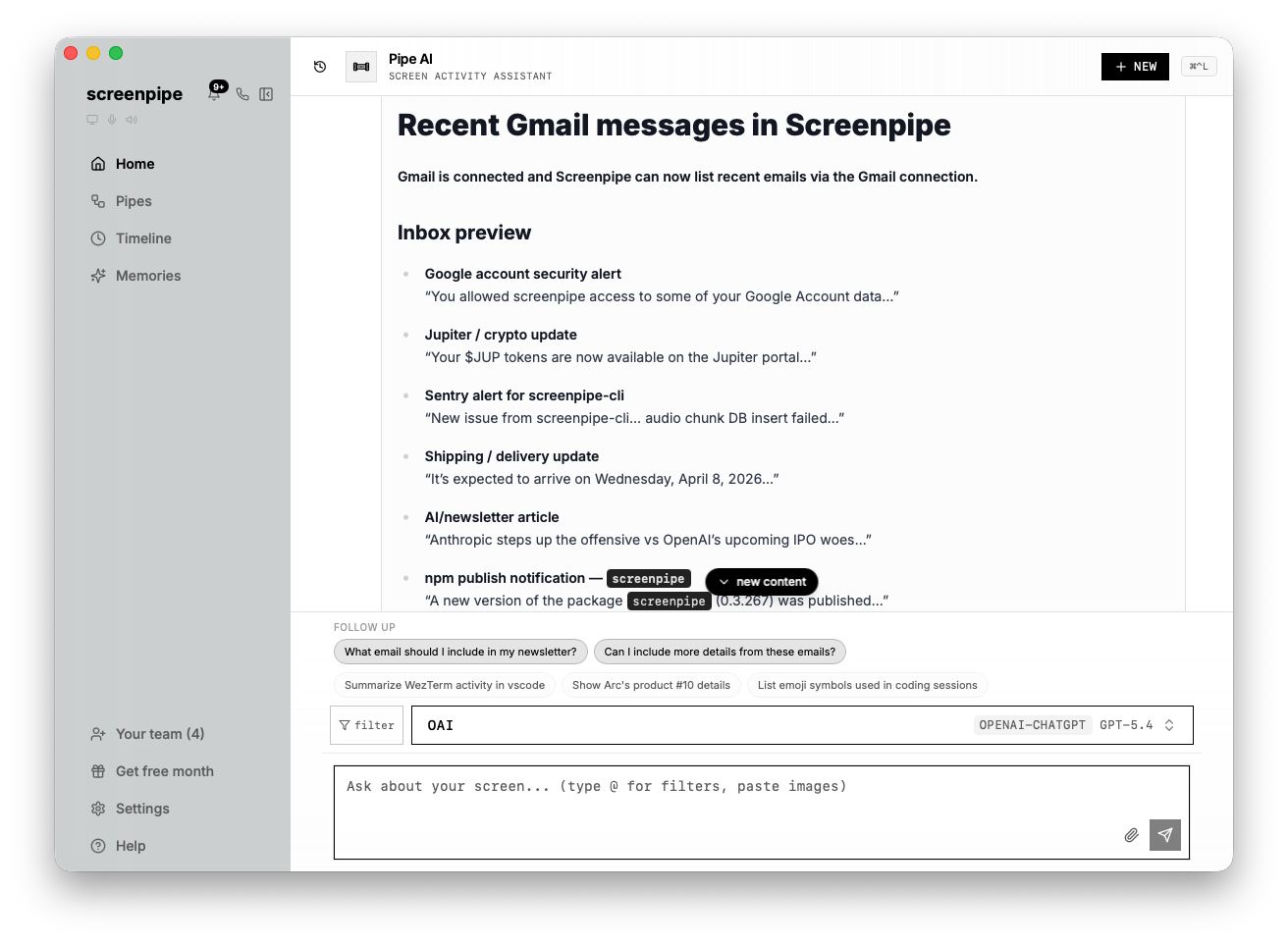
We just added Gmail integration, here's some ideas of what you can do with it:
- pipe that reads your memories and screenpipe data and drafts emails for you
- pipe that sends you meeting notes to your email based on screenpipe data
- pipe that sends you task reminders to your email at the end of the day
- pipe that reads your emails, memories, screenpipe data and updates your CRM
Just go to connections and turn it on then ask in the chat "list my emails" and then "draft emails for important threads don't send yet" and then "make a pipe that do this every day at 6 pm"
🎙️ Granola, Cal, Calendly, Microsoft 365, Glean integration
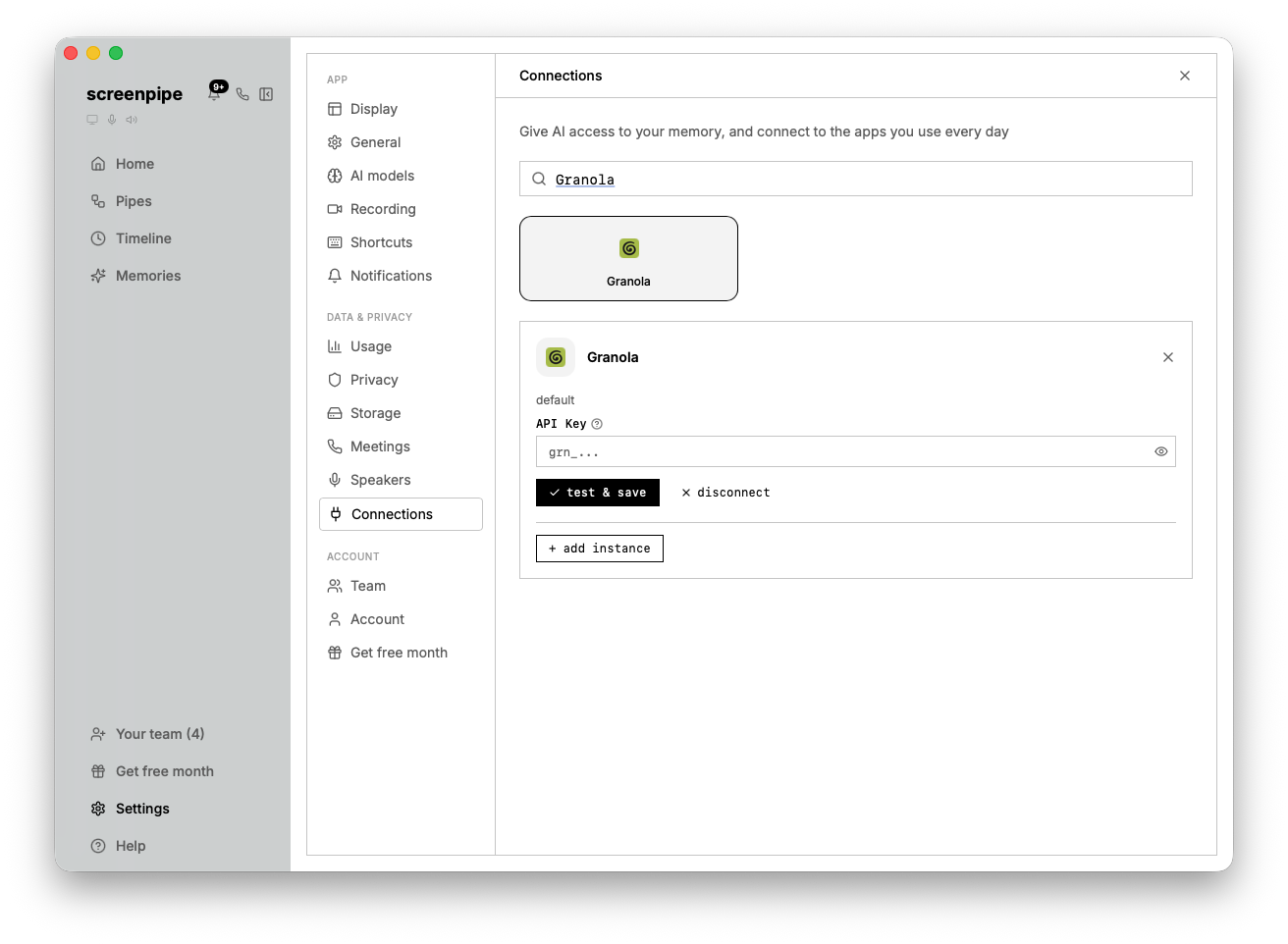
Here's what you can do with those:
- pipe that synchronizes your Granola data into screenpipe memories
- pipe that synchronizes your screenpipe data into Glean
- pipe that sends your calendar availabilities & link to people that ask for it in WhatsApp
- pipe that adds todo items to your Microsoft Excel based on screenpipe data
Just go to connections and turn it on then ask in the chat about those.
🔗 Connect all your accounts (multiple of each)
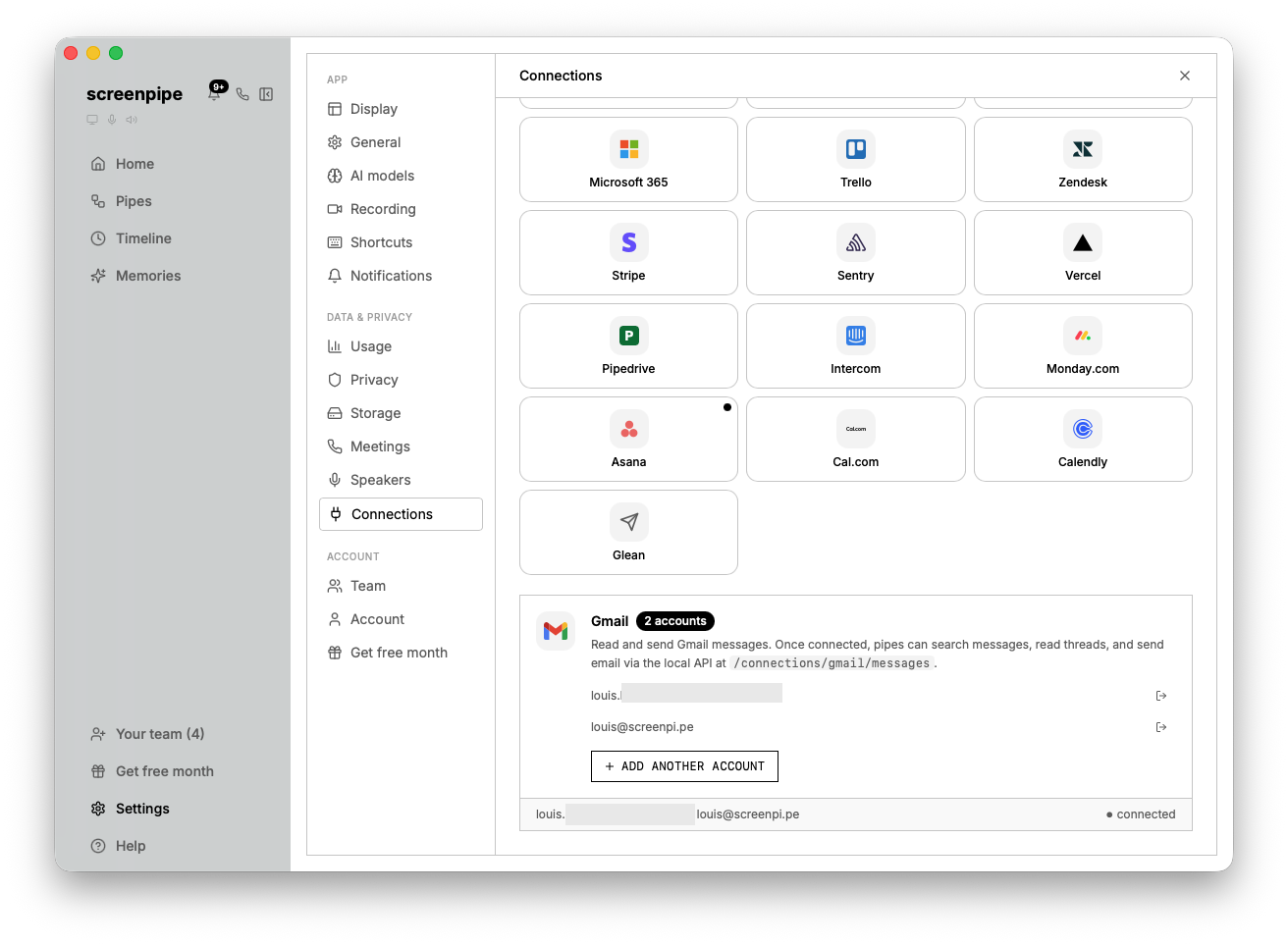
Multiple Gmail, Notion, Calendar accounts - work + personal. screenpipe sees everything across all of them.
🔧 Fixes
- Fixed MLX memory issue with Parakeet model
- Fixed pipe duplicate run issues
- Fixed OAuth tokens expiring
- Fixed Windows input lag
- Fixed recording scheduler
Questions? Reply to this email or join our Discord.
Using screenpipe in a team? Let's talk how we can help
— Louis